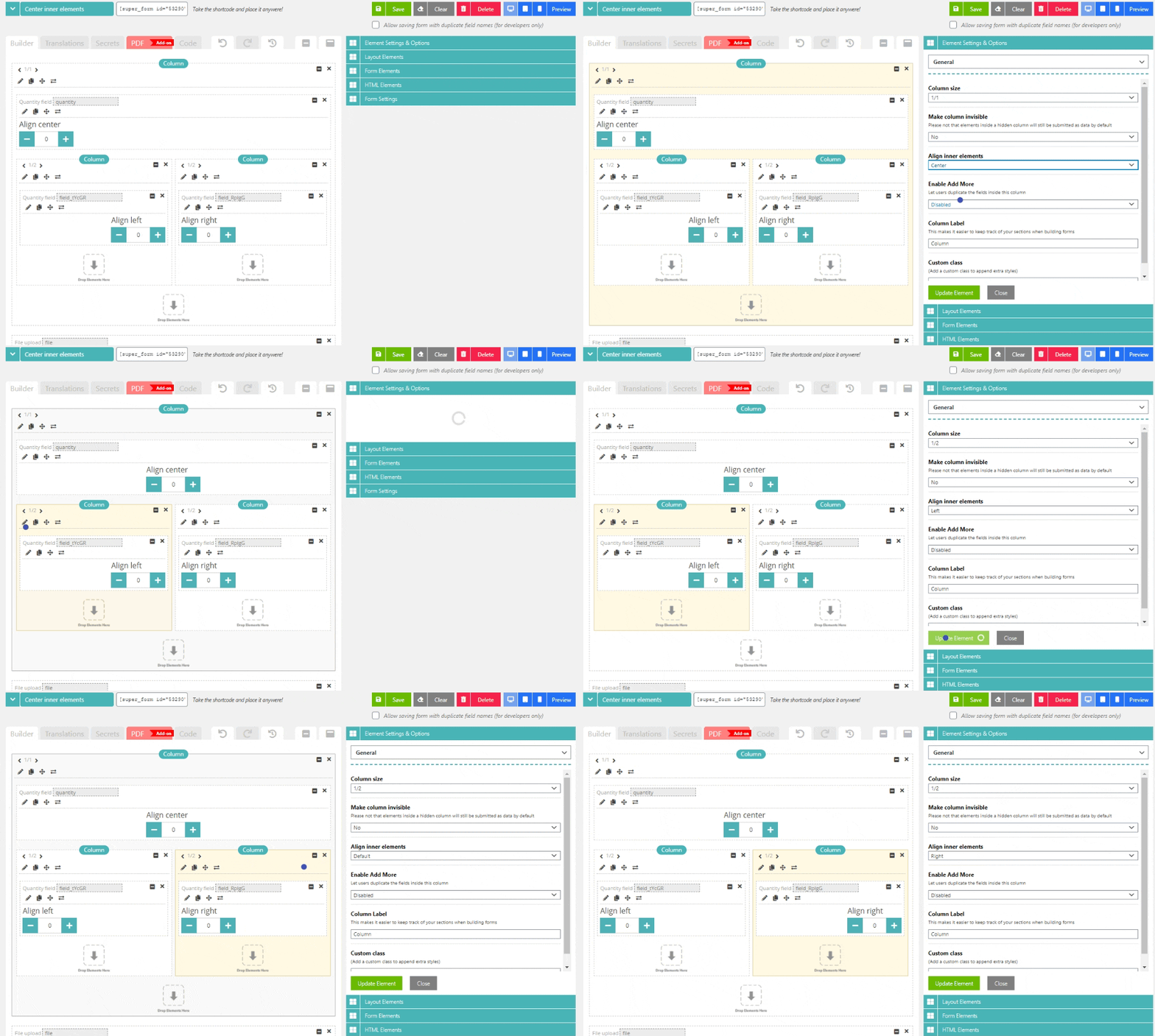
You can simply center any element via the following steps:
- Add a column (any column size will do)
- Edit the column and set Align inner elements to "Center"
- Add the element inside the column
When changing the "Align inner elements" setting on a column, any elements inside this column directly, will be centered. Alternatively you can also define to align elements left or right. You can nest columns, so you could possibly set the top column to align elements left, while an inner column could be set to align items right. This should give you all the possibilities you might require when building your form.
Comments
0 comments
Please sign in to leave a comment.